Need Help?
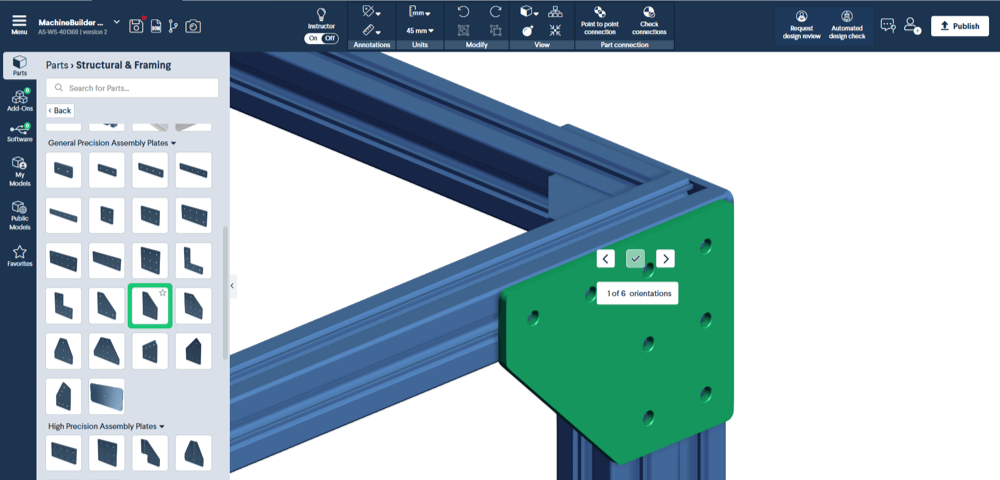
3D navigation in MachineBuilder
This guide walks you through navigating the 3D space in MachineBuilder.
Learn More.png)
Designing with T-Slot aluminum extrusions
Top 3 design tips for building reliable, rigid, and industrial-grade T-slot aluminum extrusion structures.
Learn More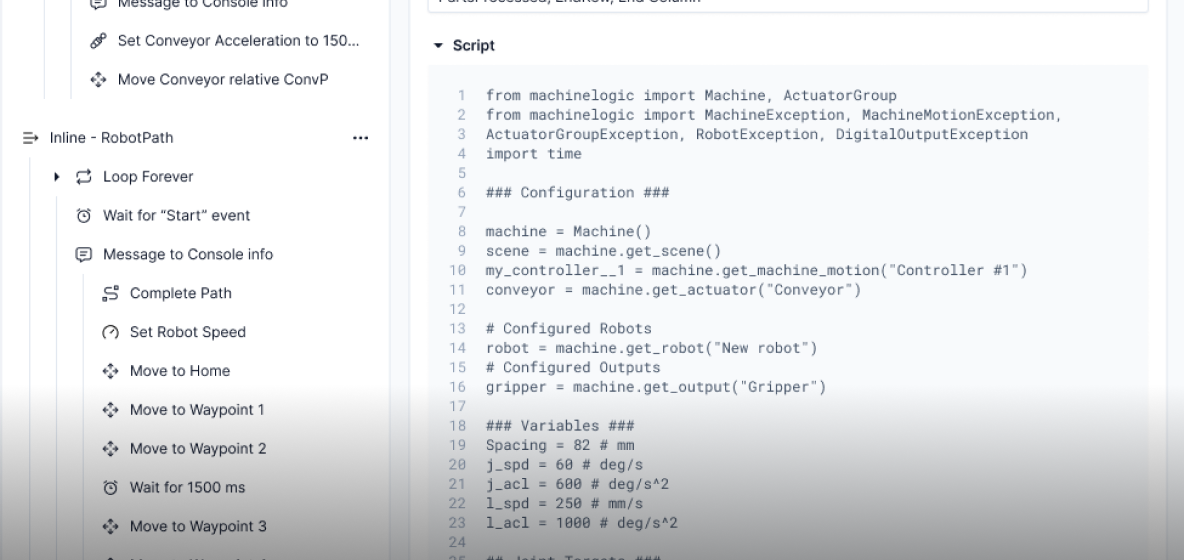
Automate with MachineLogic
Experience the most intuitive programming, simulation, and deployment environment for industrial automation and robotics.
Learn More.png)
MachineMotion controller manual
MachineMotion AI is a plug-and-play automation controller designed for fast and efficient motion control and automation projects.
Learn More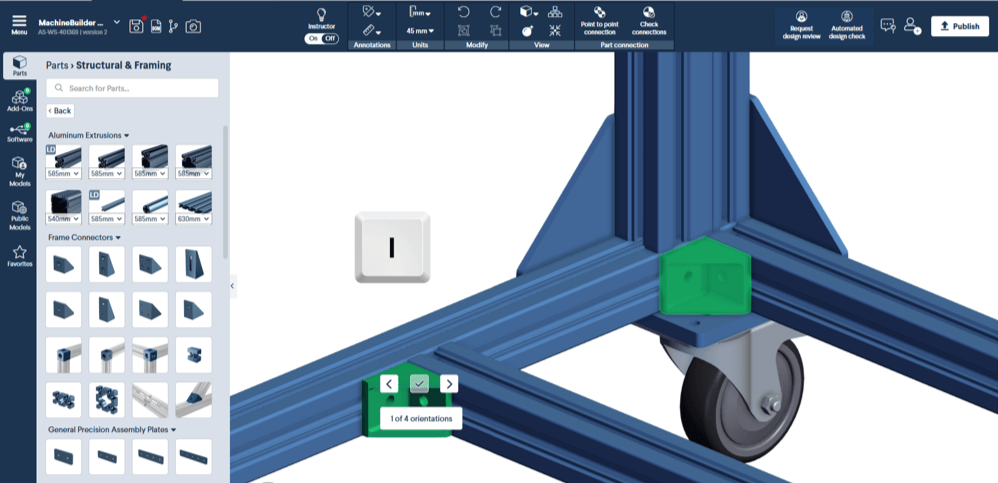
Inserting and connecting parts
This guide explains how to place and connect parts using the Vention MachineBuilder platform.
Learn More.png)
Export CAD files
Designs can be exported as STEP files from Vention via the MachineBuilder or the design summary page.
Learn More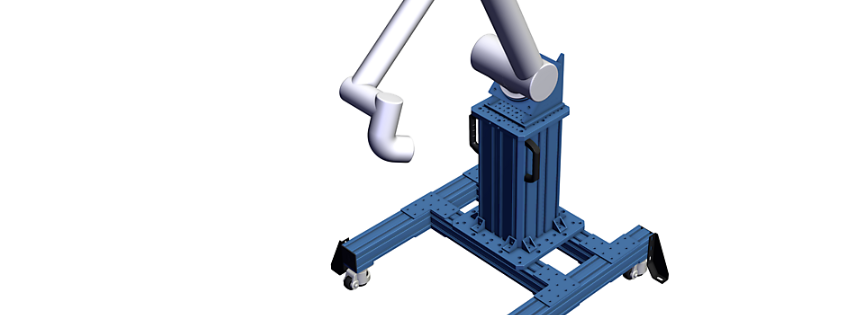
Calculating the stability of custom robot bases
When designing a custom pedestal, ensure it can support the force, weight, and reach of your robot for optimal stability.
Learn More.png)
Design review checklist
Before finalizing your design, have a colleague or one of our Application Specialists review it for accuracy and reliability.
Learn More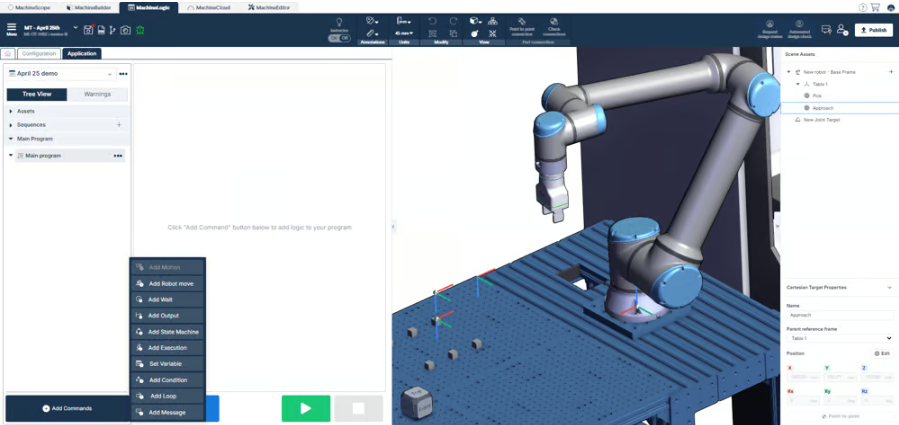
Robot programming and scene assets
Learn how to program your collaborative robot using Vention’s MachineLogic cloud authoring tool with this step-by-step guide.
Learn More.png)
MachineLogic Python programming guide
Discover how to control actuators and robots using Vention’s Python API through the MachineLogic online web editor.
Learn More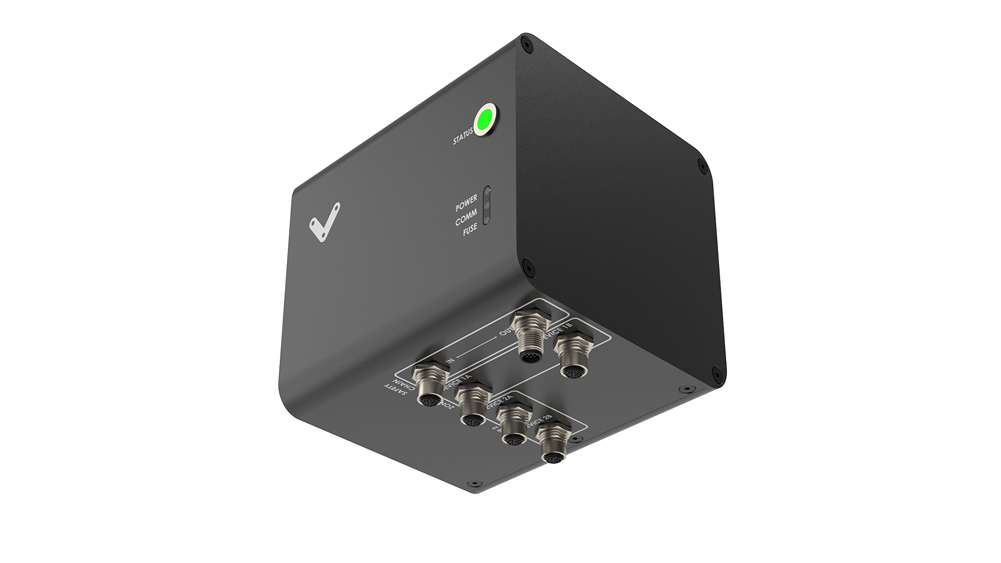
Safety modules use case reference guide
Access comprehensive information to seamlessly integrate Vention’s safety devices into your machine design.
Learn More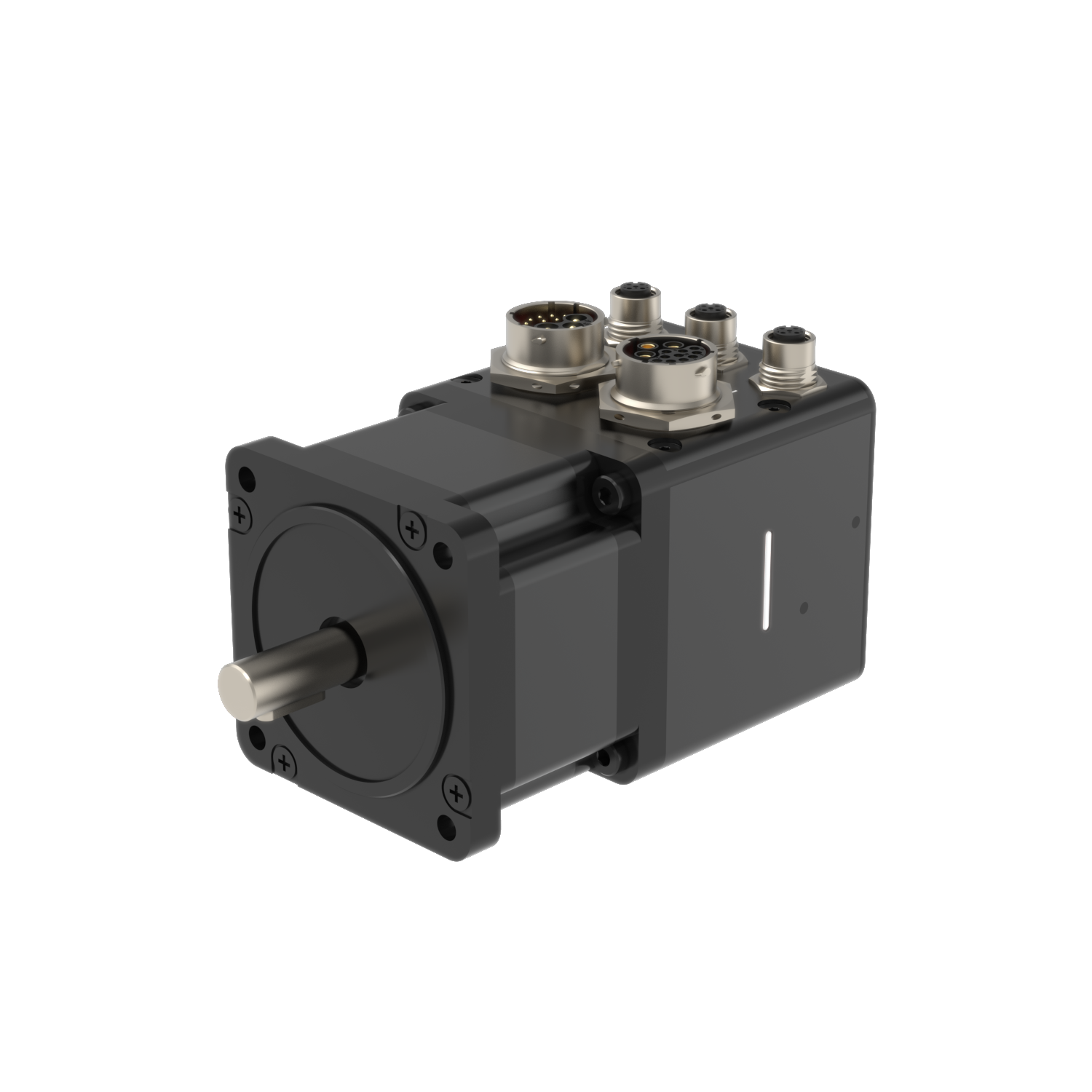
Motor and control components datasheet
Explore Vention’s range of motors and control components, compatible with the MachineMotion 1 and 2 controllers and IO module.
Learn More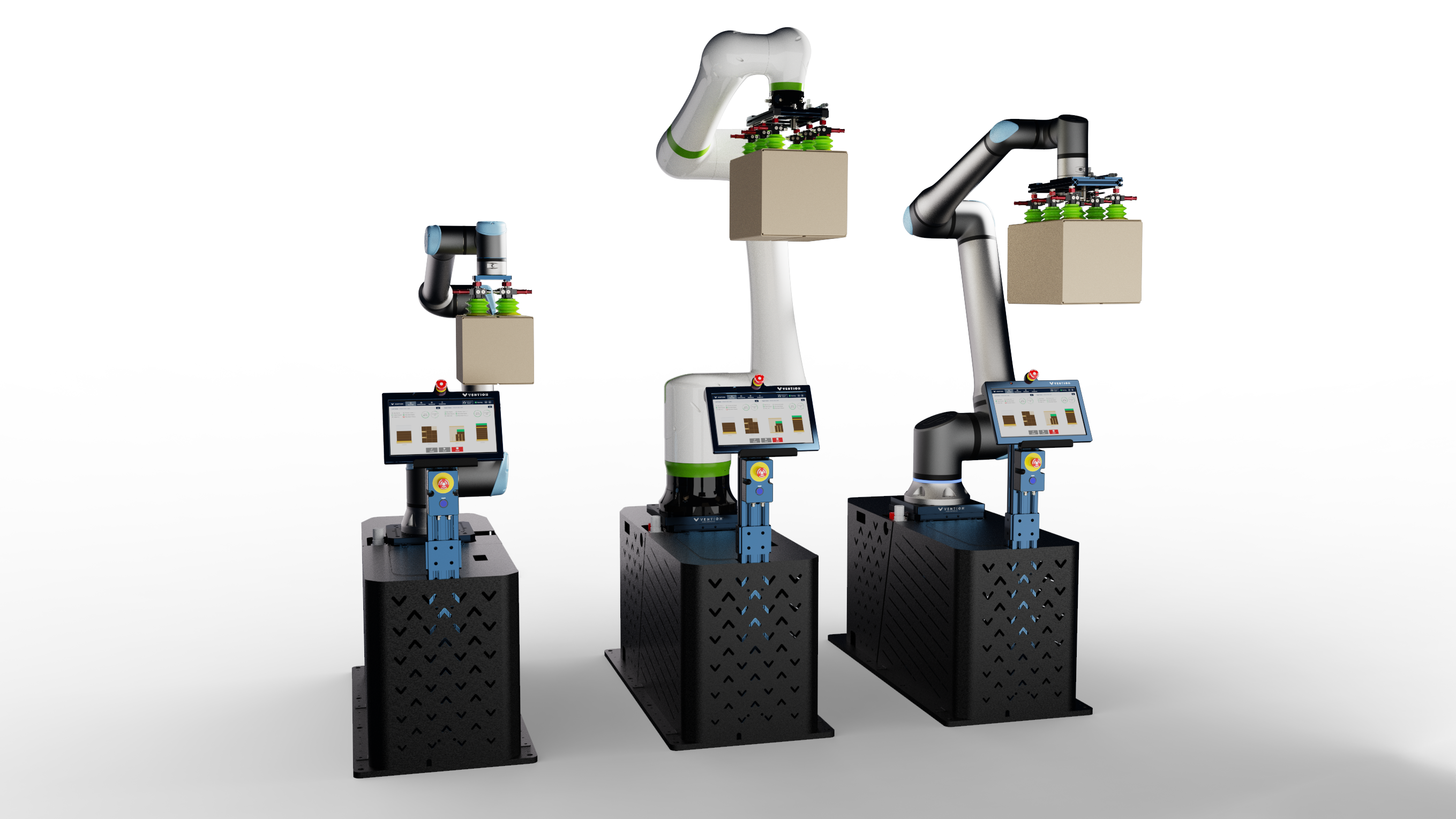
Rapid Series Palletizer
The Vention Rapid Series Palletizers are designed to streamline the palletizing process with a standardized, cost-effective design.
Learn More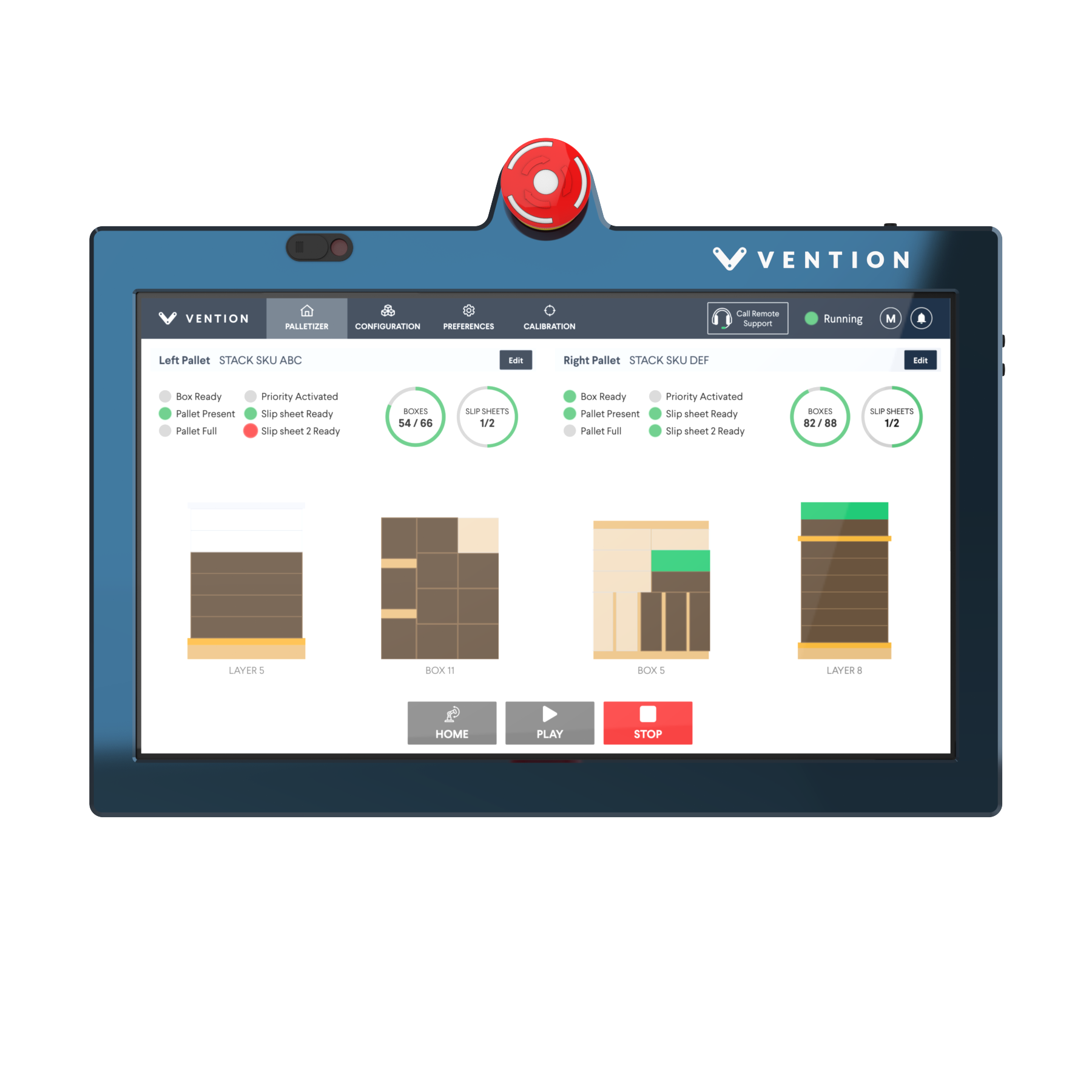
Palletizer software features and compatibility
Compatible with both FANUC and Universal Robots, the software is pre-installed on the Vention pendant for seamless integration.
Learn More.jpg)
Industrial Palletizer datasheet
The Industrial Palletizer automates the palletizing process of products at the end of a packaging line.
Learn More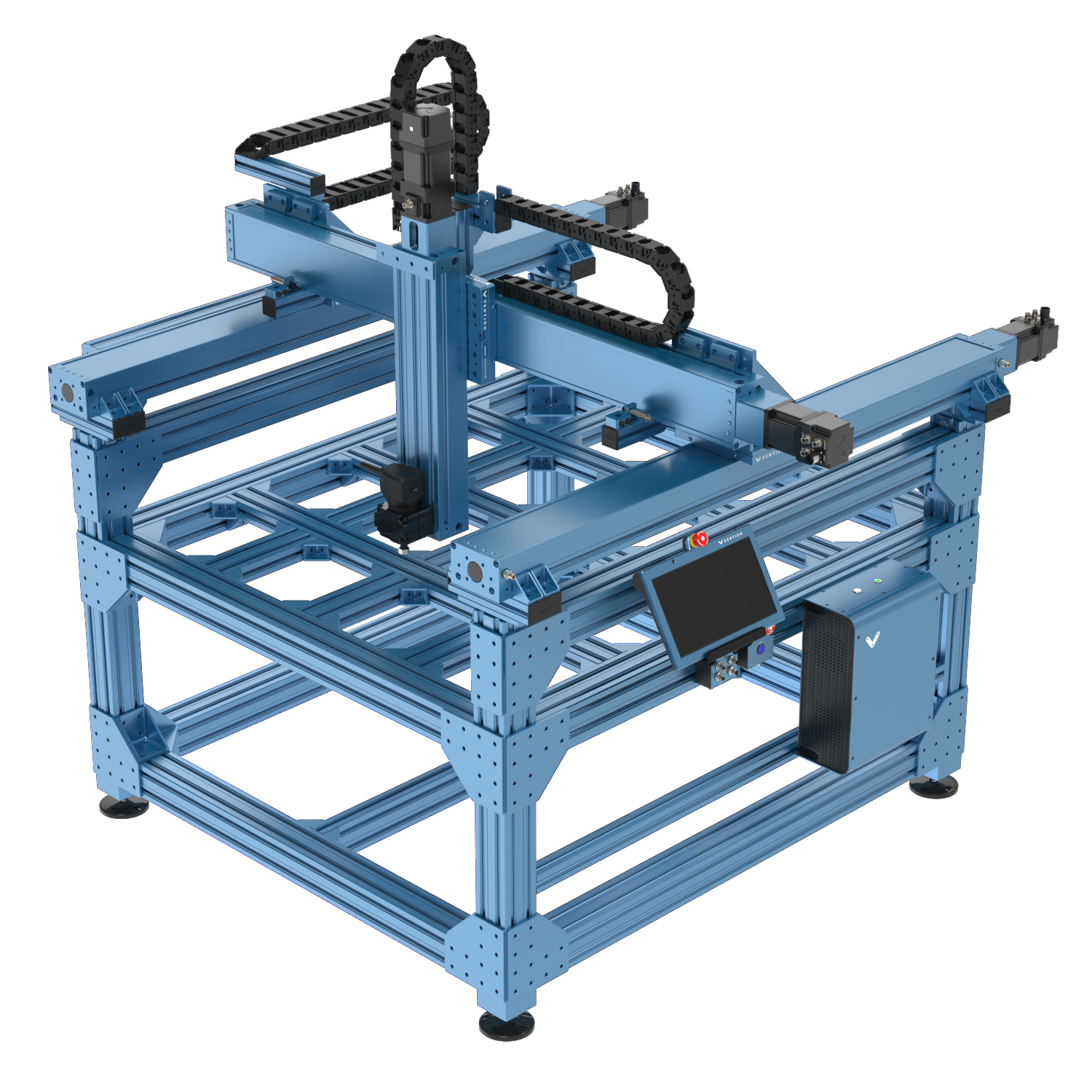
Path Following datasheet
The Path Following solution enhances Vention’s manufacturing application portfolio by enabling automatic path execution.
Learn MoreApplication
Tools and Calculators
Explore tools that simplify machine deployment, testing, and configuration to ensure your projects meet all specifications.

Pallet Configurator
Create pallet configurations by defining box sizes and pallet types, then use auto-layout and auto-stack to optimize your configuration.
Learn more
Deflection Calculator
Determine the strength, maximum deflection, and safety factor of a simply supported or cantilever extrusion beam.
Learn more
Friction Joint Calculator
Determine the load capacity of a pure friction joint by specifying the installation torque of the bolts and the number of fasteners.
Learn more
FAT Checklist
The checklist for Factory Acceptance Tests helps set expectations for machine functionality and ensures they are met before shipment.
Learn moreGuides
Videos tutorial
Learn everything you need to know about the Vention Platform, from A to Z, through our comprehensive video tutorials.
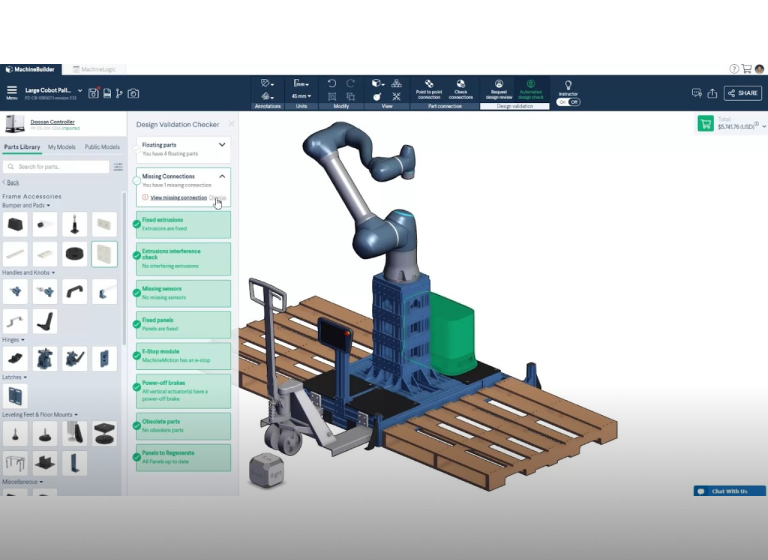
00 – Navigating MachineBuilder
Take a tour of Vention’s Cloud-CAD platform, MachineBuilder. You’ll learn about different menus, part categories, and settings available to you as you design your machine.
Learn More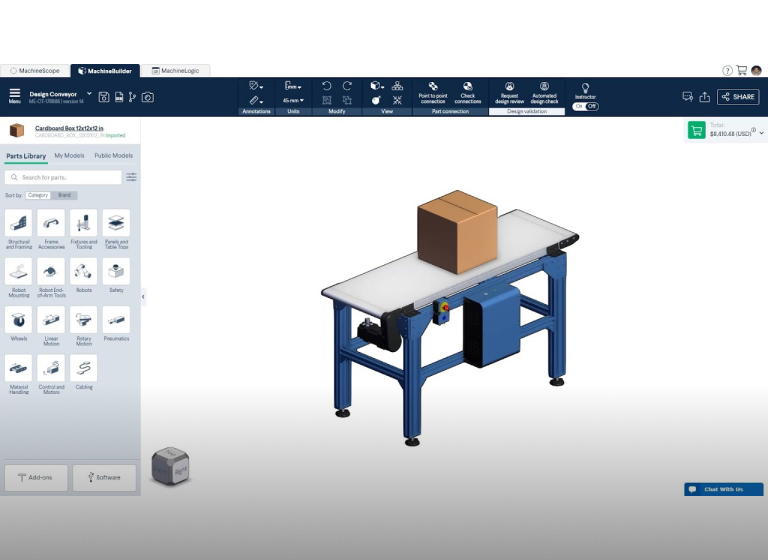
01 – MachineBuilder Basics
Learn how to approach MachineBuilder like an expert. In this tutorial video, you will learn about the habits adopted by MachineBuilder professionals.
Learn More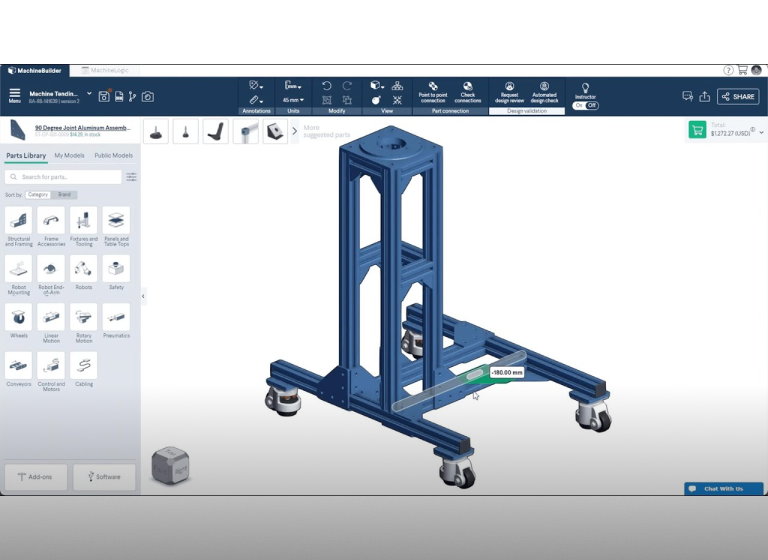
02 – Learning part placement & assembly features
Learn the basics of MachineBuilder to get you started on designing your Vention structures and machines.
Learn MoreFAQs
Frequently Asked Questions
How do I know the status of my order?
You can verify the status of your order from your dashboard. You will see a tab titled “Orders” on the left side of your screen. Please refer to this post on the forum for complete walkthrough.
How do I wire my Robot to the MachineMotion?
Please refer to this datasheet.
How do I start learning MachineLogic?
You can start familiarizing yourself with the software here.
Tips & tricks to self deploy Vention automation
Embarking on a self-deployment project with Vention? We’ve compiled all the essential resources you’ll need in one place. Whether you’re assembling your machine or diving into advanced MachineLogic Python programming, this toolbox has you covered.
How do I connect Inputs-Outputs to my MachineMotion?
Please refer to the Digital I/O Module datasheet.
How do I configure my MachineMotion?
You can refer to the MachineMotion Four-Drive datasheet.

Still Have Questions?
Can't find the answer you're looking for? Feel free to chat with our friendly team.
Get in touch